Open the free public speaking timer →

Why I built this free timer
Time feels different when you speak in front of people. You prepare a sermon, a training session or a course, start explaining an idea, get a good question and realise you no longer know how many minutes are left. I kept needing a timer I could easily see while speaking.
I had one more requirement: it had to keep counting below zero. I wanted to see the time remaining, then how far I had gone over the planned duration. That need led me to build this free timer for public speaking, sermons, training and courses.
Sometimes it is fine to go over. I just want to know by how much.
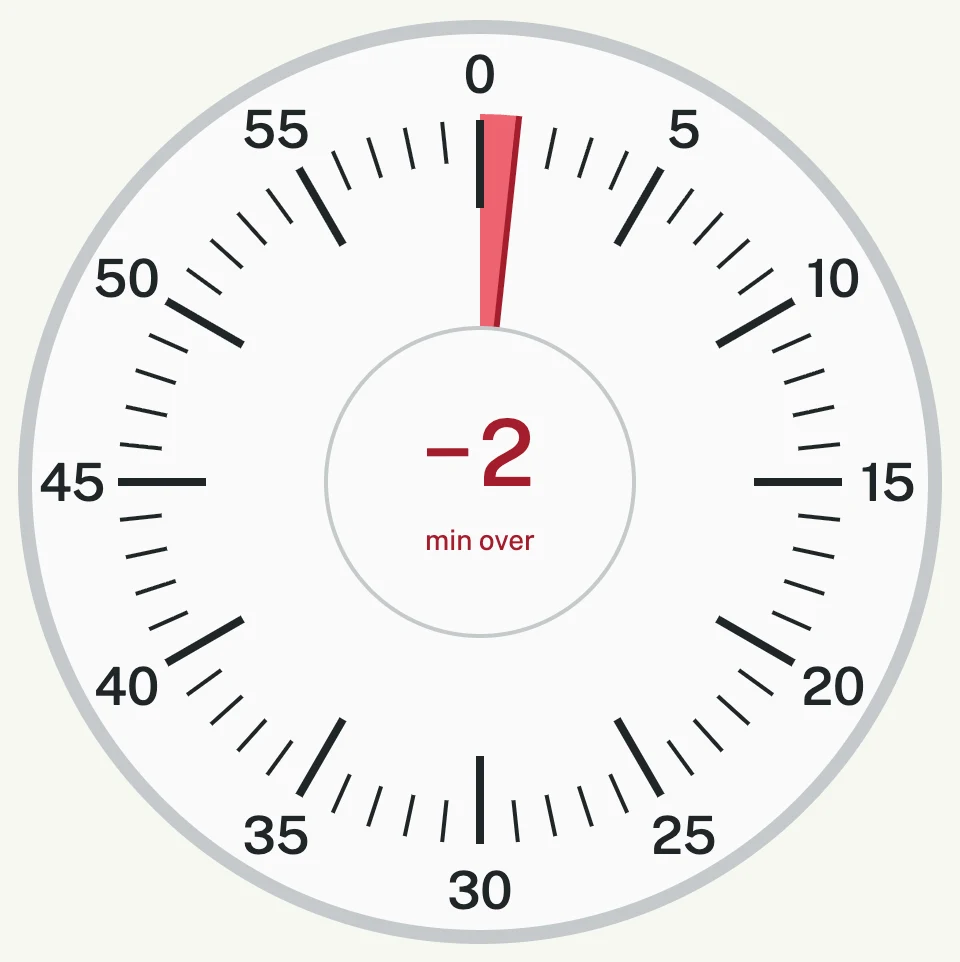
Sometimes an idea needs a little more time. You may be finishing a thought in a sermon, answering a question or completing an exercise with participants. Sometimes you need another 2–5 minutes to finish your thought and bring things to a natural close. If the schedule allows it, that small extension can make sense. But I want to choose it consciously and know how much extra time I am using.
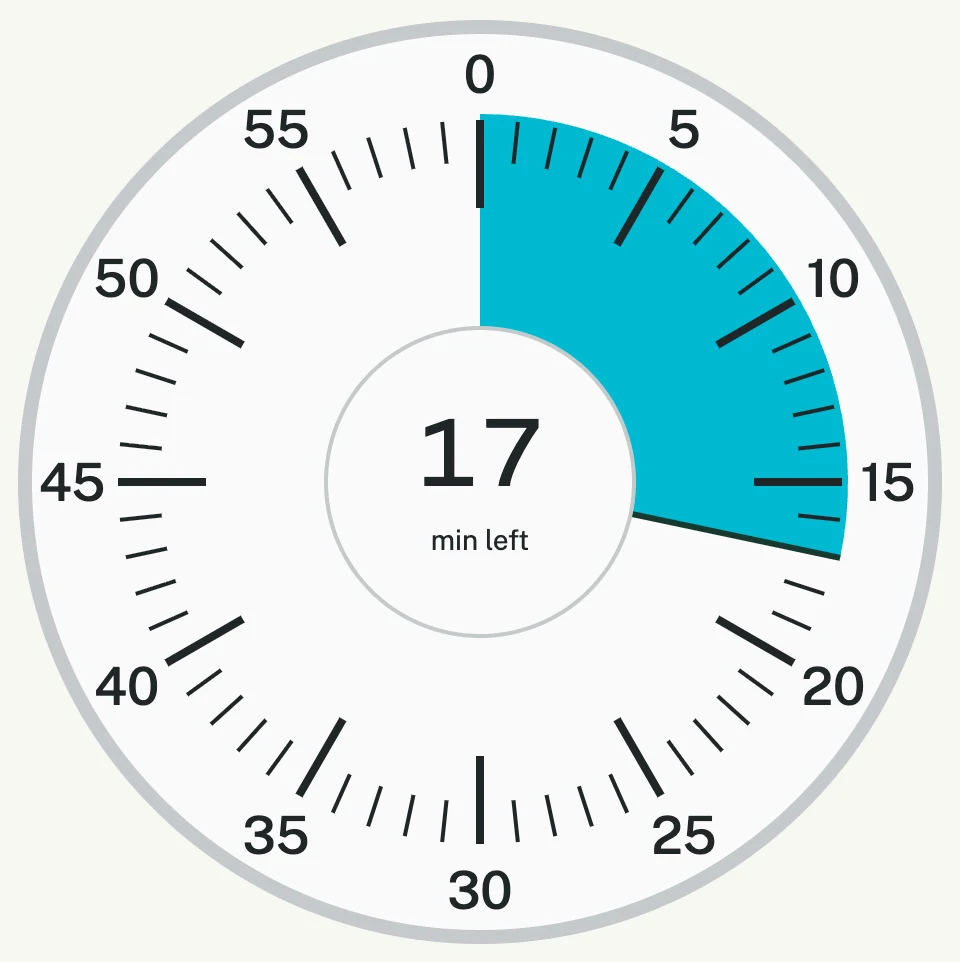
That is why the timer keeps going after zero. The dial changes from blue to red and shows negative minutes. The display rounds up: −1 means you are in the first minute of overtime, and −2 means you have passed one minute and entered the second. The red area on the dial shows the progress in more detail.
It does not beep, tick or set off an alarm in the middle of a sentence. It shows me where I am with time and lets me finish naturally, with respect for the audience and the schedule.
On a chair in front of you or at the lectern
The idea is simple: open the free online timer on a tablet, laptop or phone and position it where you can see it while speaking. It can sit on a chair in front of you, facing you, or at the lectern beside your notes.
Before you start, check that you can read the minutes while standing where you will speak. A phone may need to be closer; a tablet or laptop may work better on a chair a few steps away. You should be able to glance at it without turning around or searching for the device.
Keep the page open and set your device so the screen stays awake during your talk. If the screen locks or the page is in the background, visual updates may be delayed. When you return to the page, the timer recalculates the time.
How to use it before a sermon, training session or course
You can try the timer now, before your next talk. It is free and runs in your browser, with no account or installation required.
Set the minutes and start speaking
Choose a duration between 1 and 60 minutes. Enter a number in the field above the clock or drag the hand around the dial. Press Start when you begin. The blue area gradually shrinks and the centre shows the minutes remaining, without constantly changing seconds.
Use Pause and Resume to stop temporarily and continue the countdown. Reset takes you back to the selected duration so you can choose a different one. Refreshing or closing the page resets the timer.
Use it for an entire sermon, a presentation or just one training segment: a 15-minute explanation, a 10-minute exercise or a round of questions. Choose the time that fits what you are about to do.
A glance at the time, then back to the people
That is what I wanted from this tool: a quiet, visible reference while I speak. To see how much time is left, know when I have gone over and decide how to finish. Without a sound breaking the flow of the conversation.
If you preach, deliver training, teach a course or speak in public, place it in front of you at your next session. Check the screen position, set the minutes and use it to guide your pace.